Design 3D material boards with ease
What is a material board?
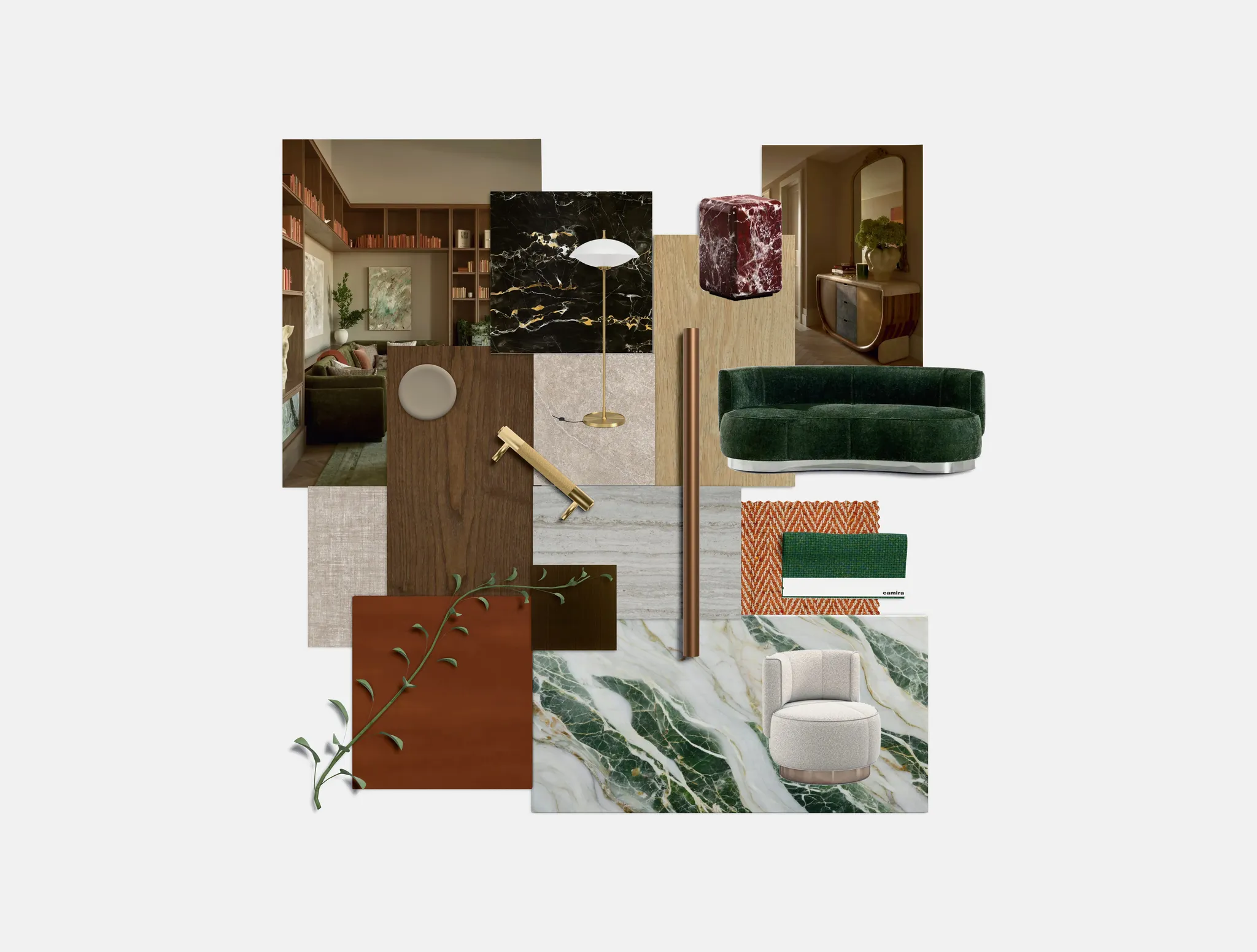
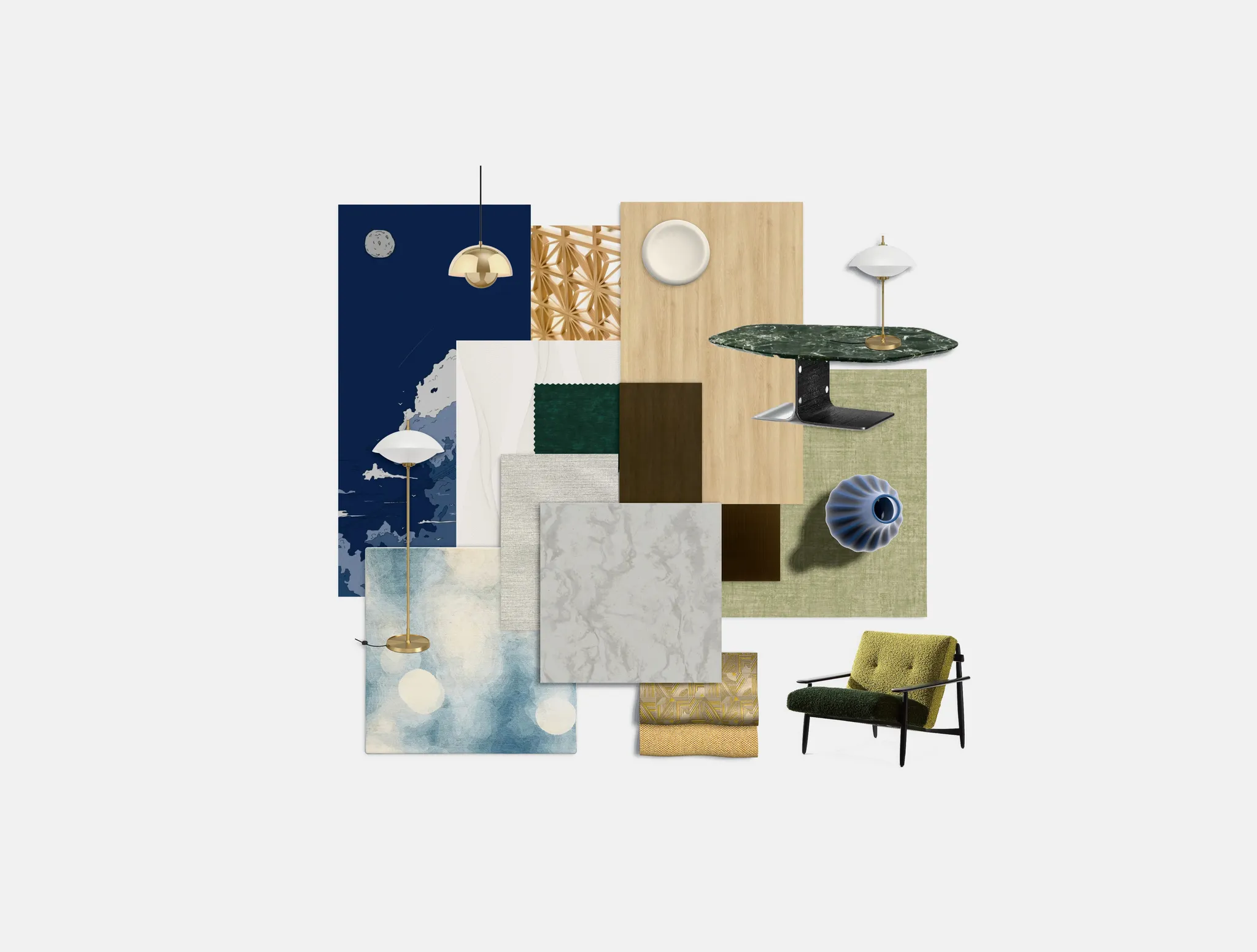
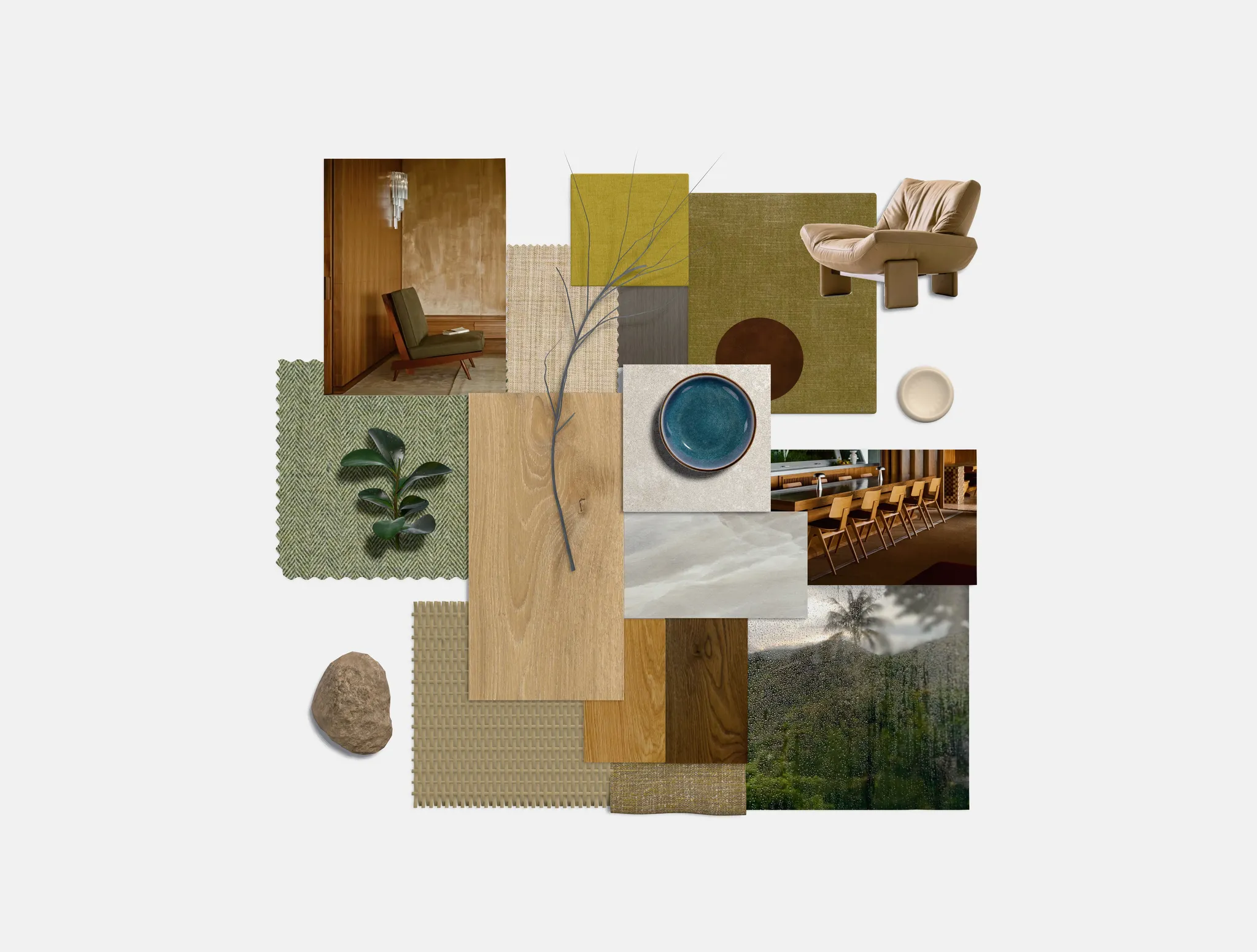
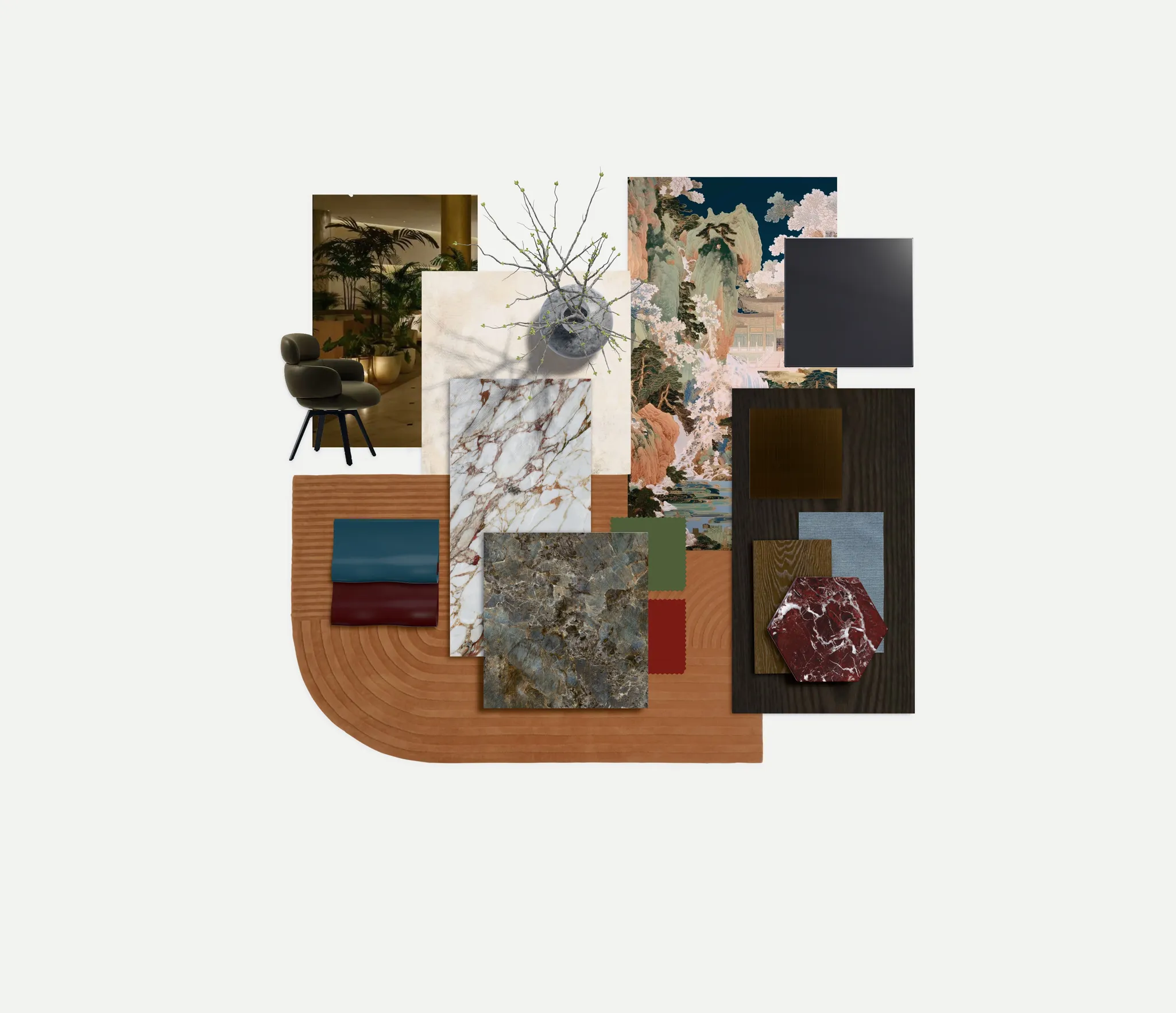
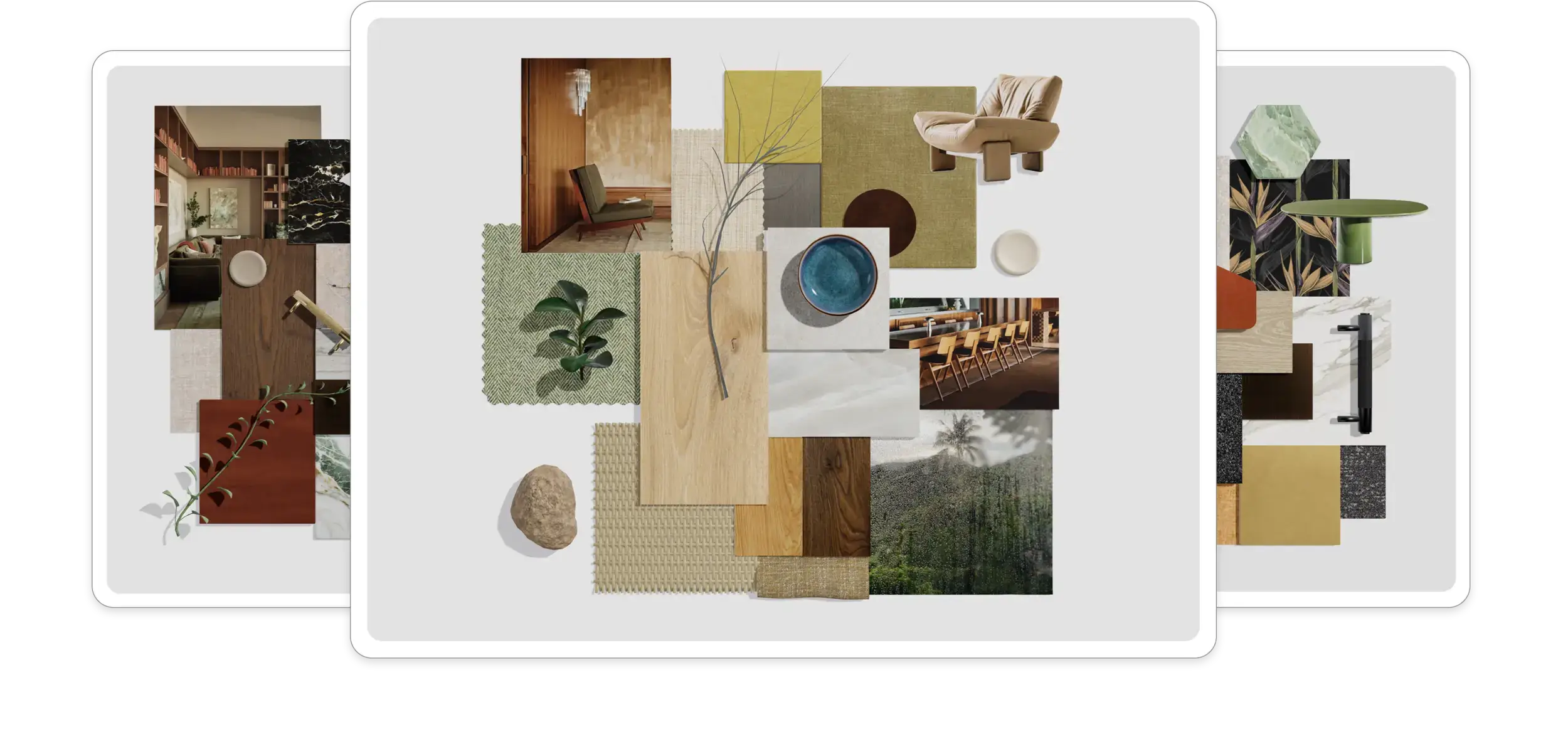
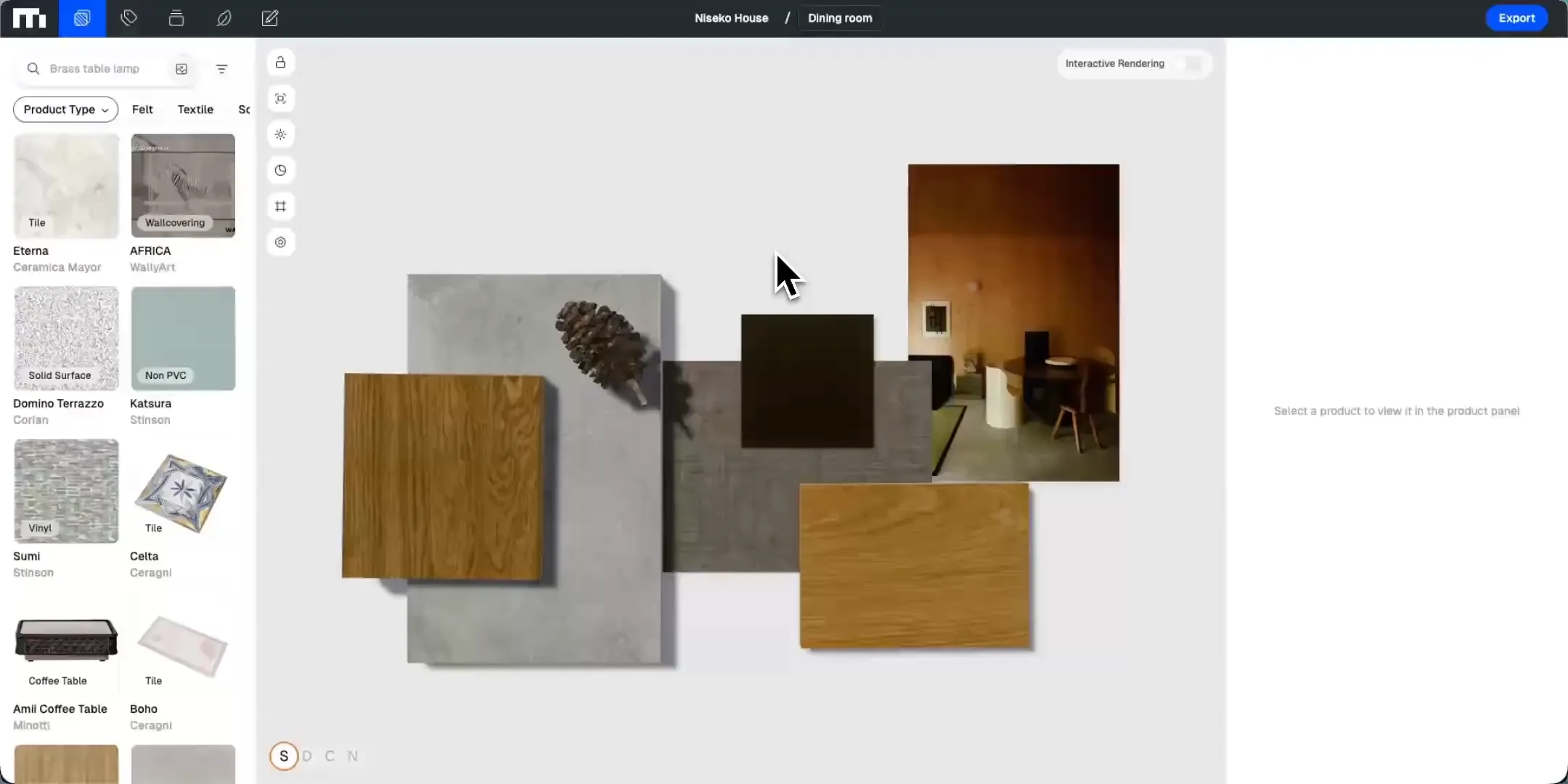
A material board is a curated collection of material samples — wood, stone, tile, fabric, and paint — that interior designers and architects use to visualize how the materials in a space work together. It can be physical or digital: with Formiq, you build digital material boards from photorealistic 3D samples of real products, so clients see true textures, colors, and lighting before anything is ordered.
Material board vs. mood board
Mood board
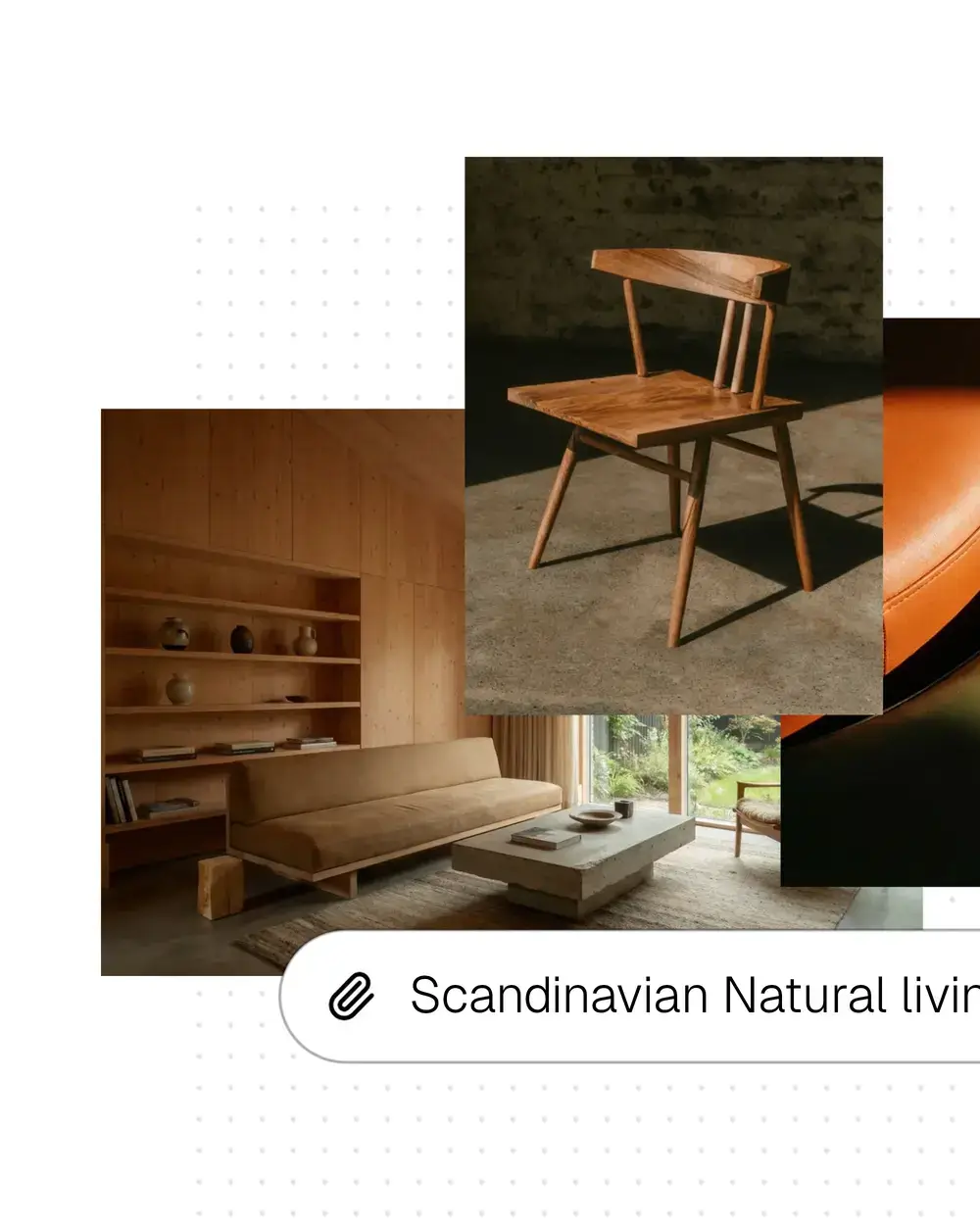
Inspirational imagery, colors, and references that set the overall feeling of a design.
Material board
The actual materials and finishes proposed for the project — real textures you can evaluate, compare, and specify.
How it works

Step 1: Source from our Library
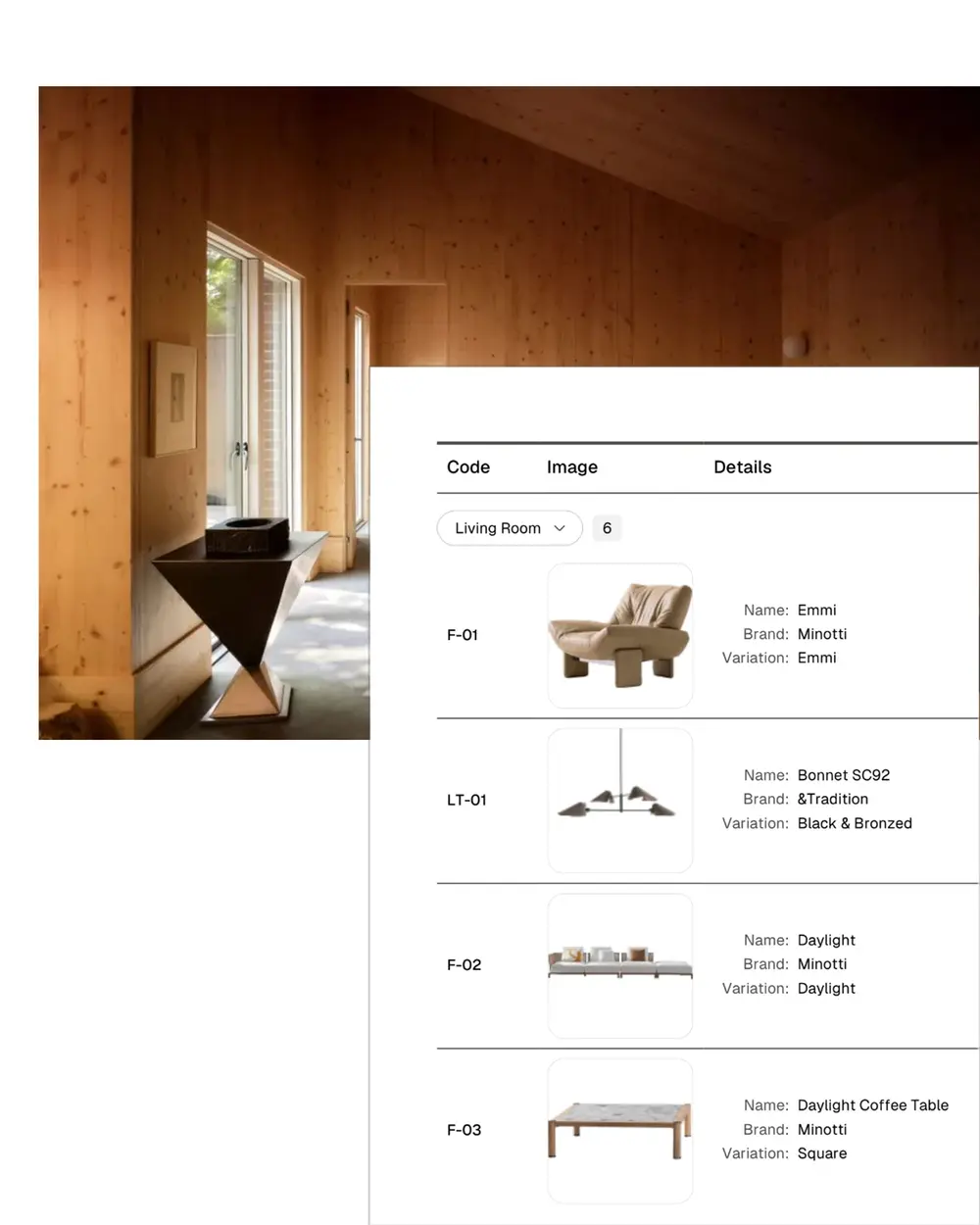
Streamline sourcing with our AI-powered digital material library. Filter by color, texture, and sustainable options.
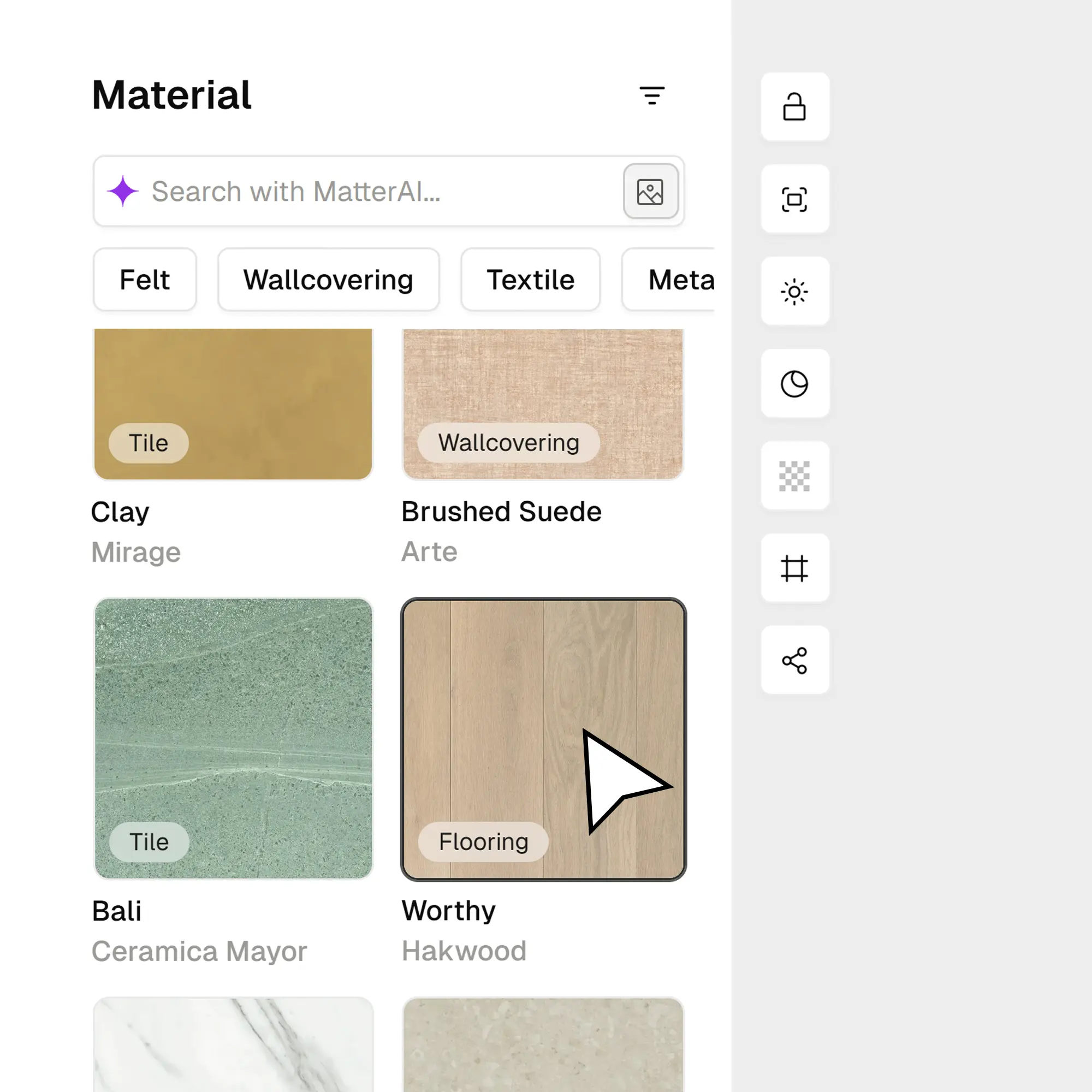
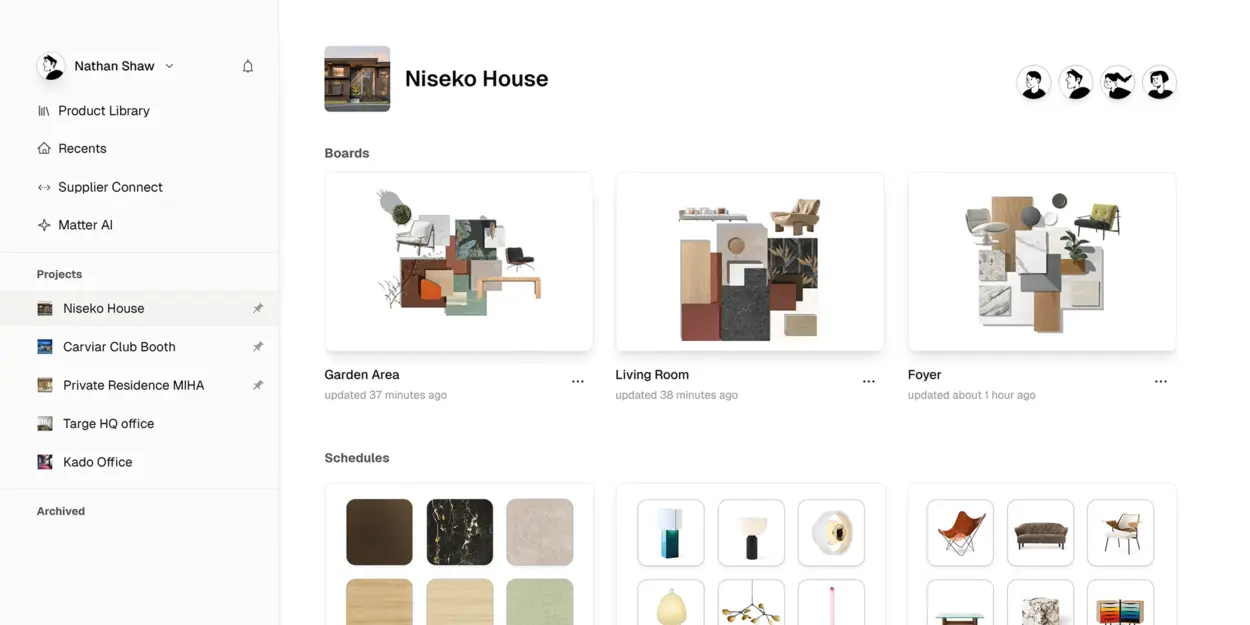
Step 2: Intuitive Drag & Drop
Simply drag products onto your canvas to instantly visualize textures and finishes in photorealistic detail.
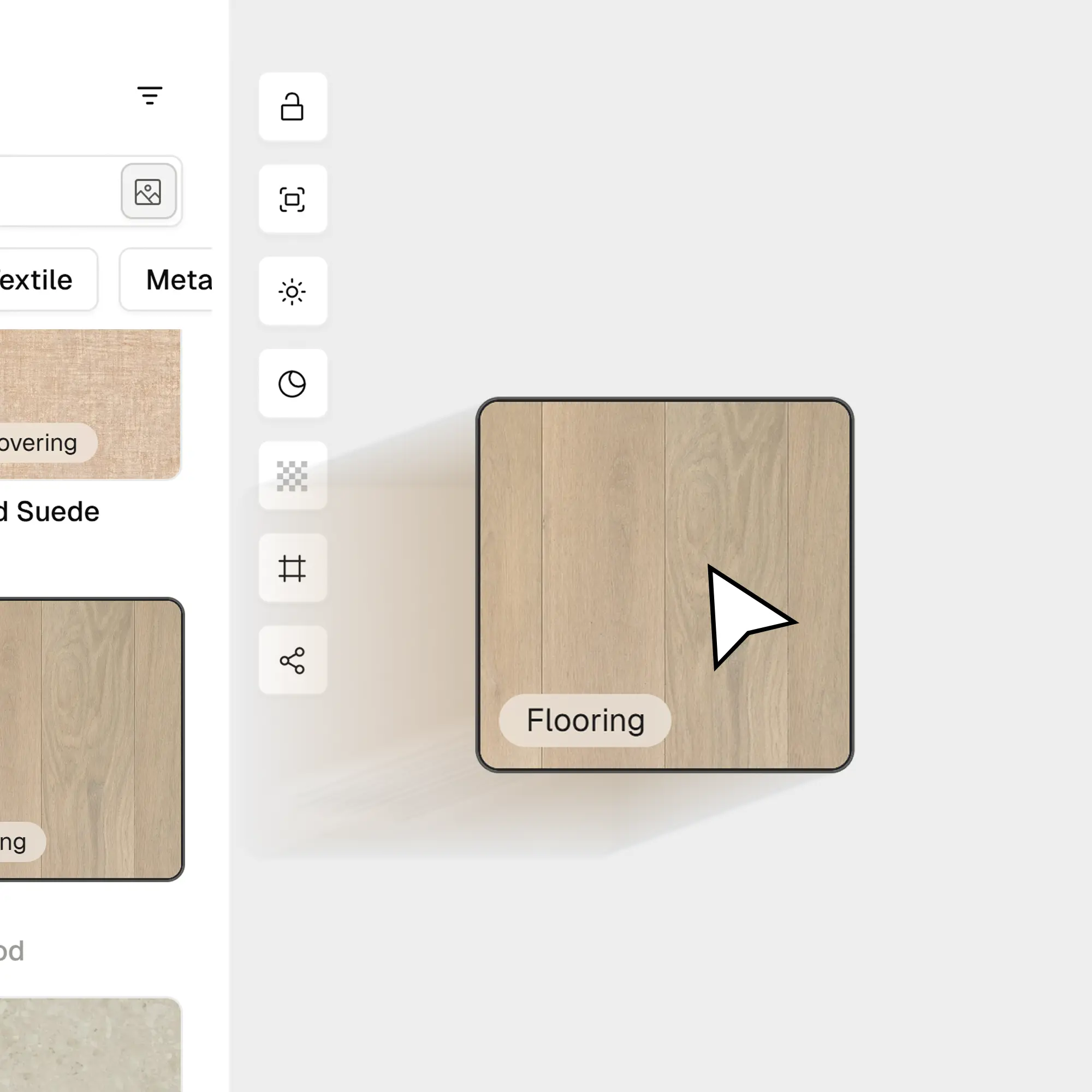
Step 3: Customize & transform
Ensure accuracy with precise tools. Adjust scale, rotation, and lighting to visualize how materials interact in real life.
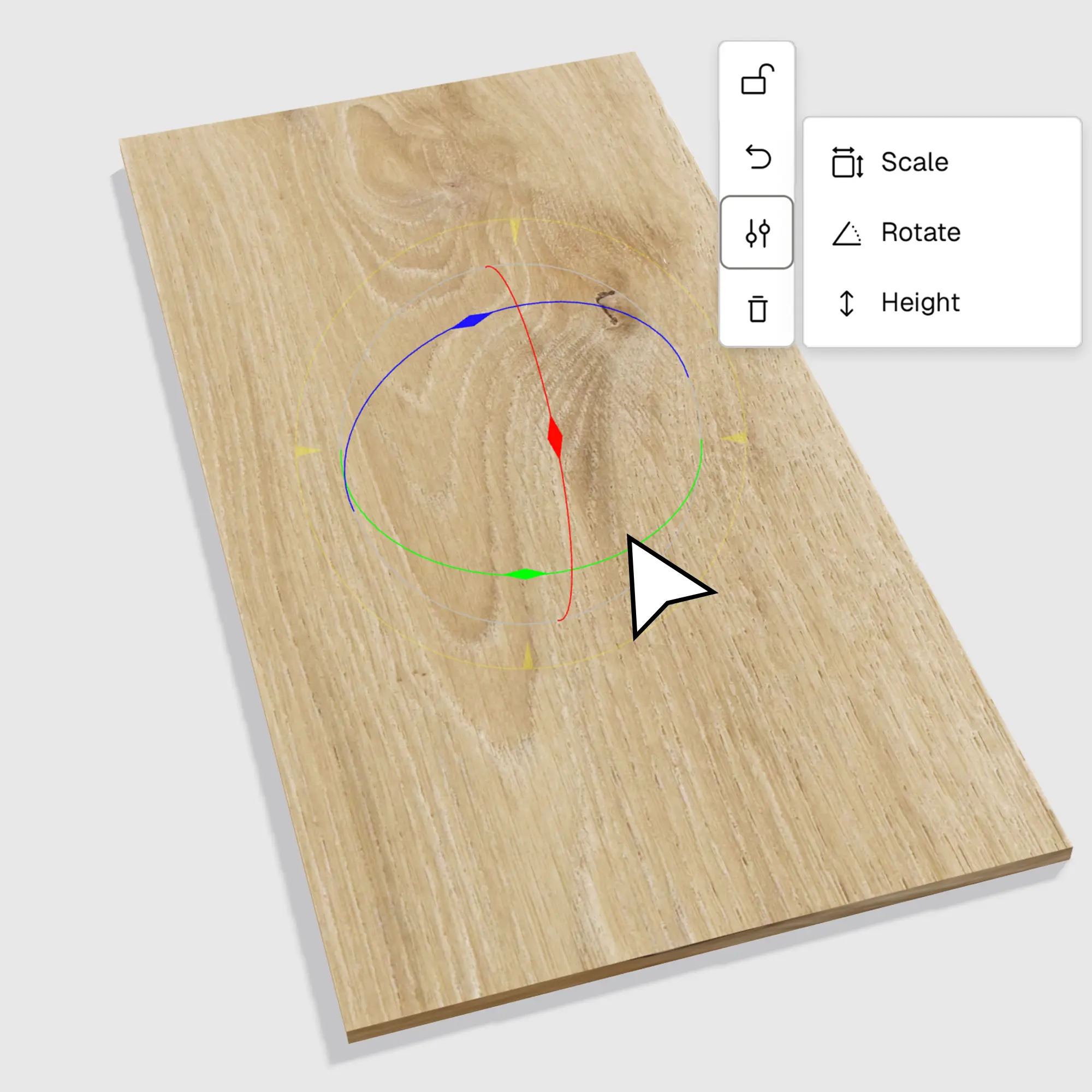
Step 4: Curate the Perfect Look
Finalize your interior design mood board with decorative elements, props, and custom background images.
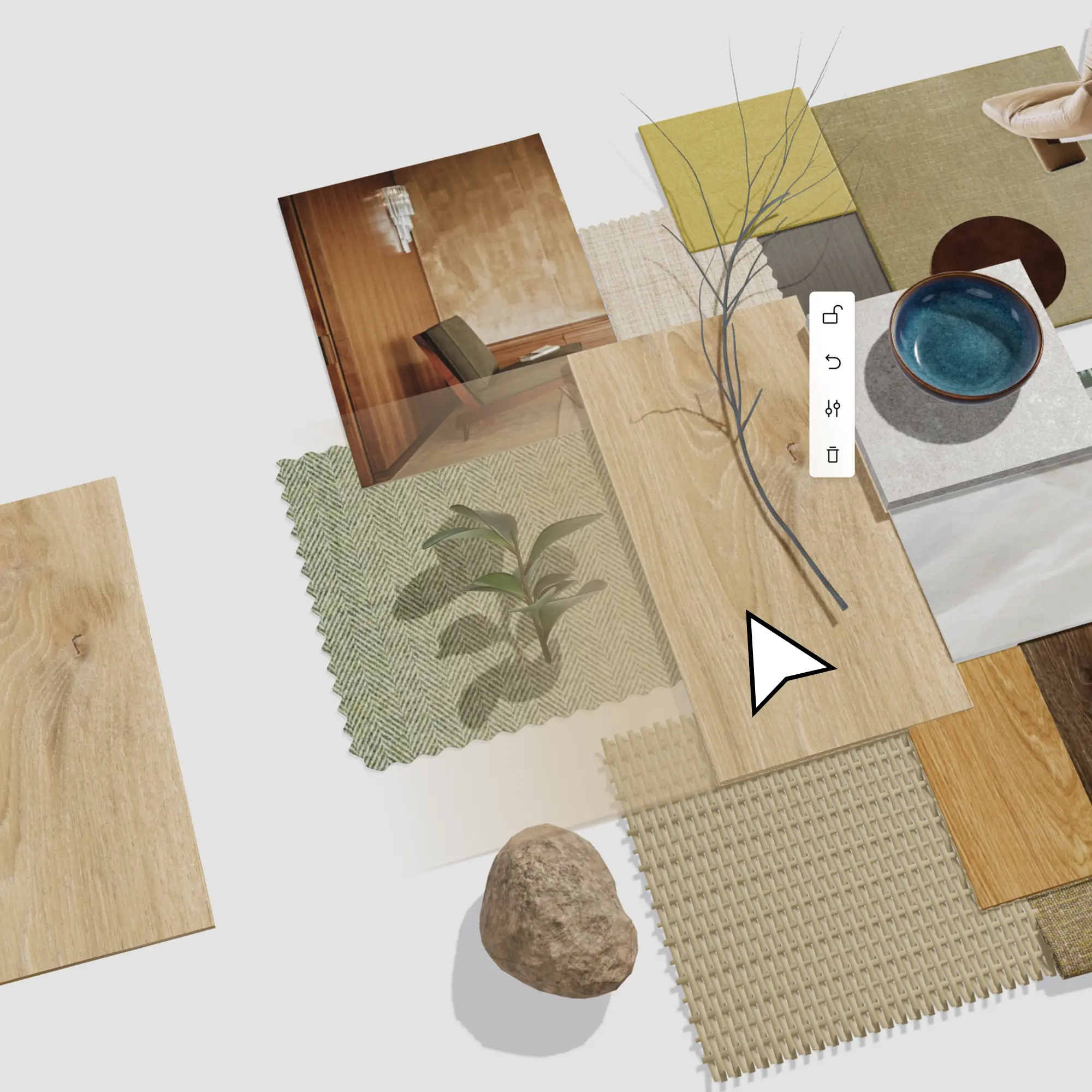
Design together with your project team
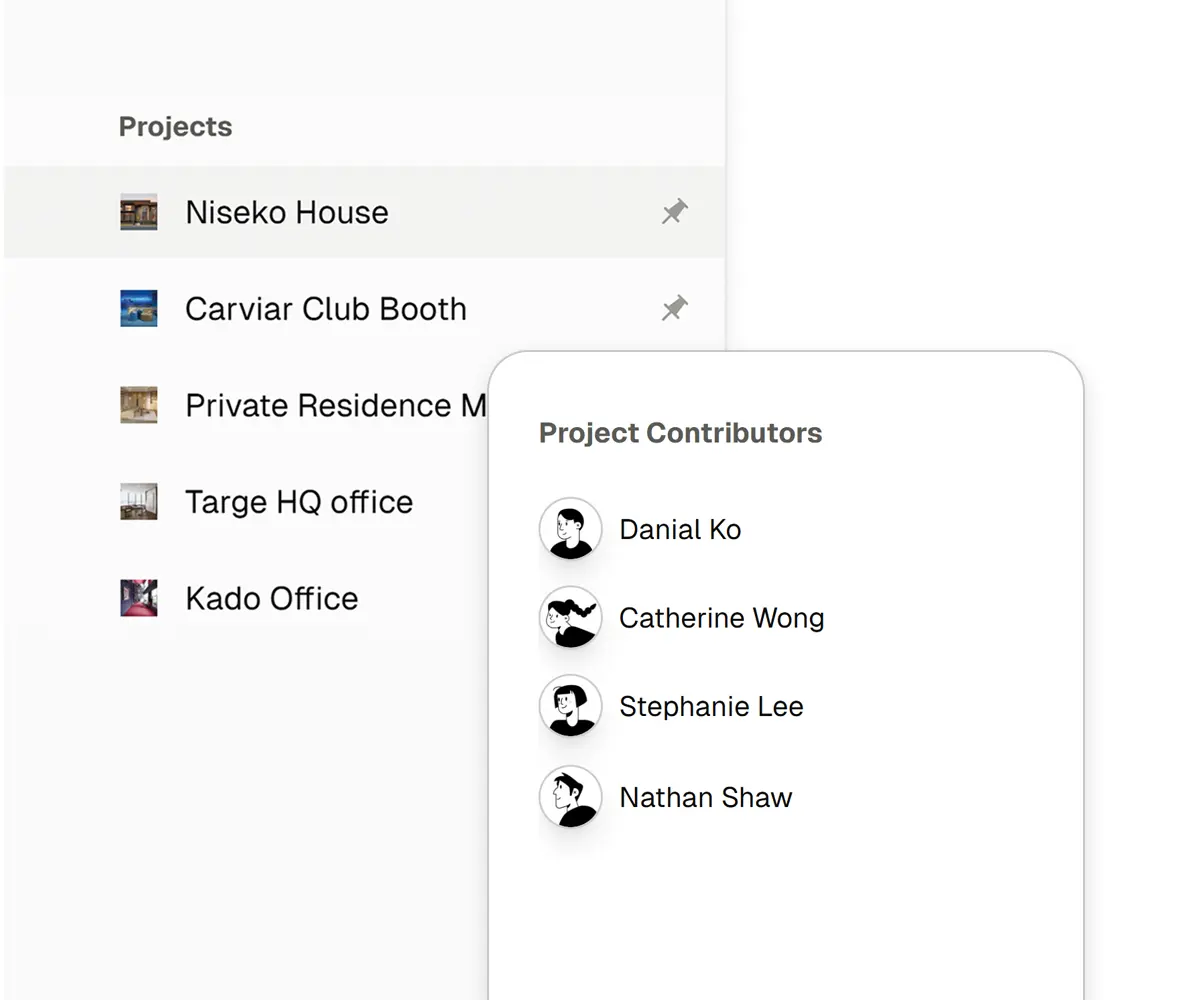
Project Sharing
Centralize your workflow. Assign roles and share project access with contractors and designers instantly.
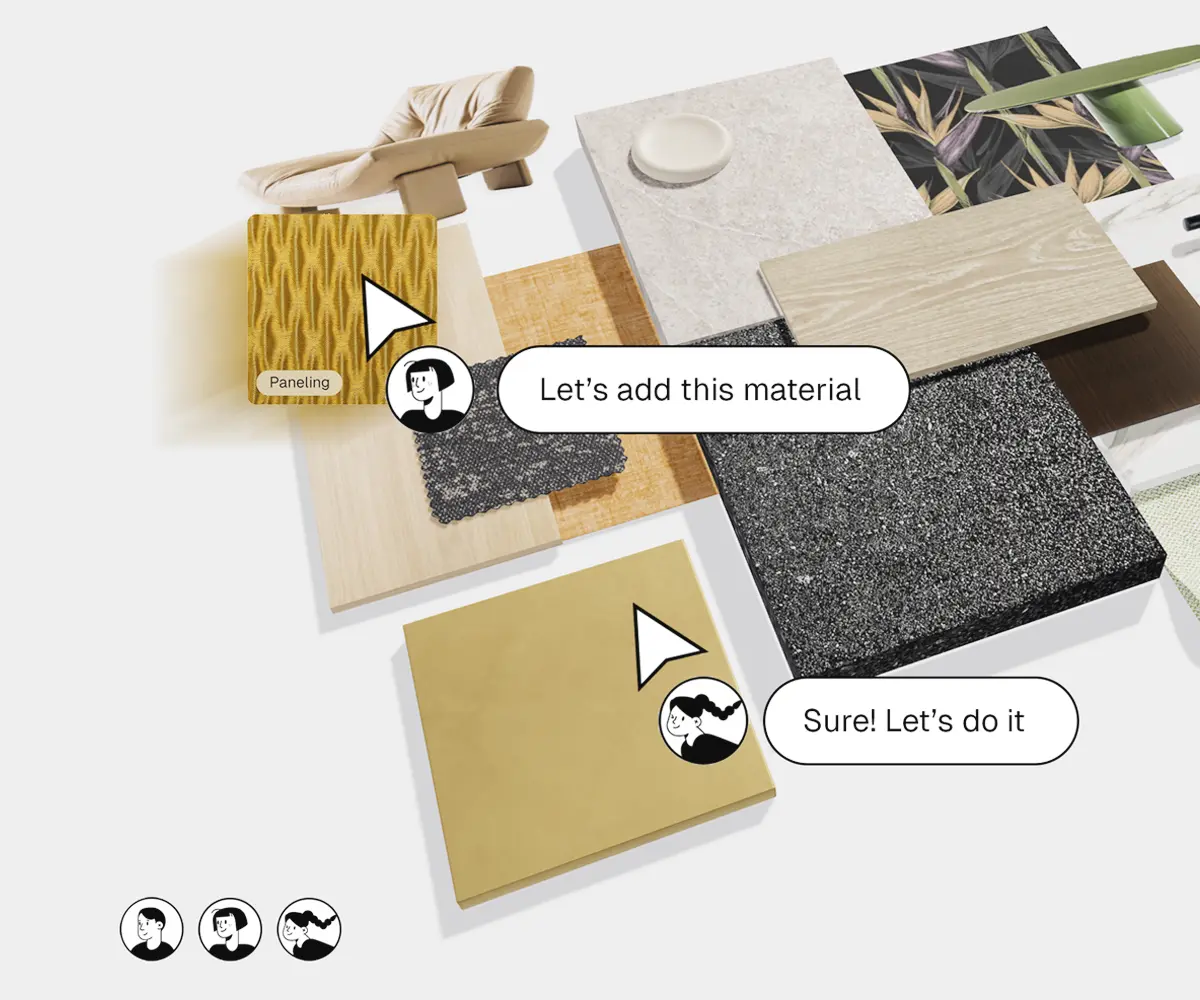
Real-time collaboration
Co-create in real-time. Brainstorm ideas and adjust specifications simultaneously with multiplayer mode.
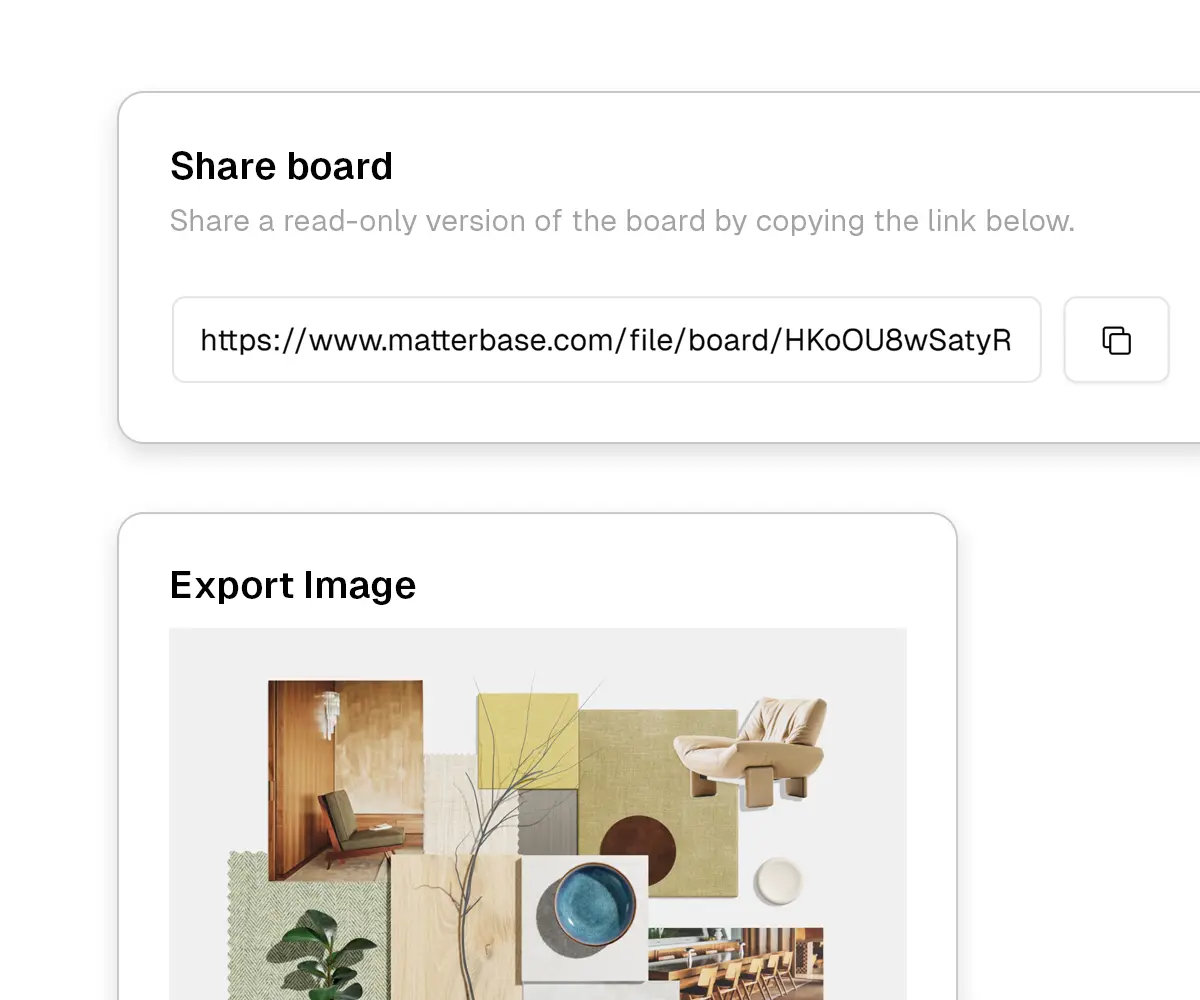
Share and export
Impress clients with high-resolution exports or share a live link for interactive feedback and faster approvals.
Customize your material board attributes
Lighting
Adjust light intensity and color temperature.
Background
Customize background color to match your mood.
Grid
Grid line can be turned on for sizing reference.
Recenter
Reset to top view in centered-position.
Lock models
Lock your models for making different composition.
Texts
Instant feedback to your co-workers or clients.
Start with a material board